
Thank you for your interest!
We work with best-in-class repair partners matched to your specific needs.
Please download the Demo by clicking the button below.

Try for Free
Oops! Something went wrong while submitting the form.


File Repair software for Damaged Photos
File Repair software for Damaged Photos
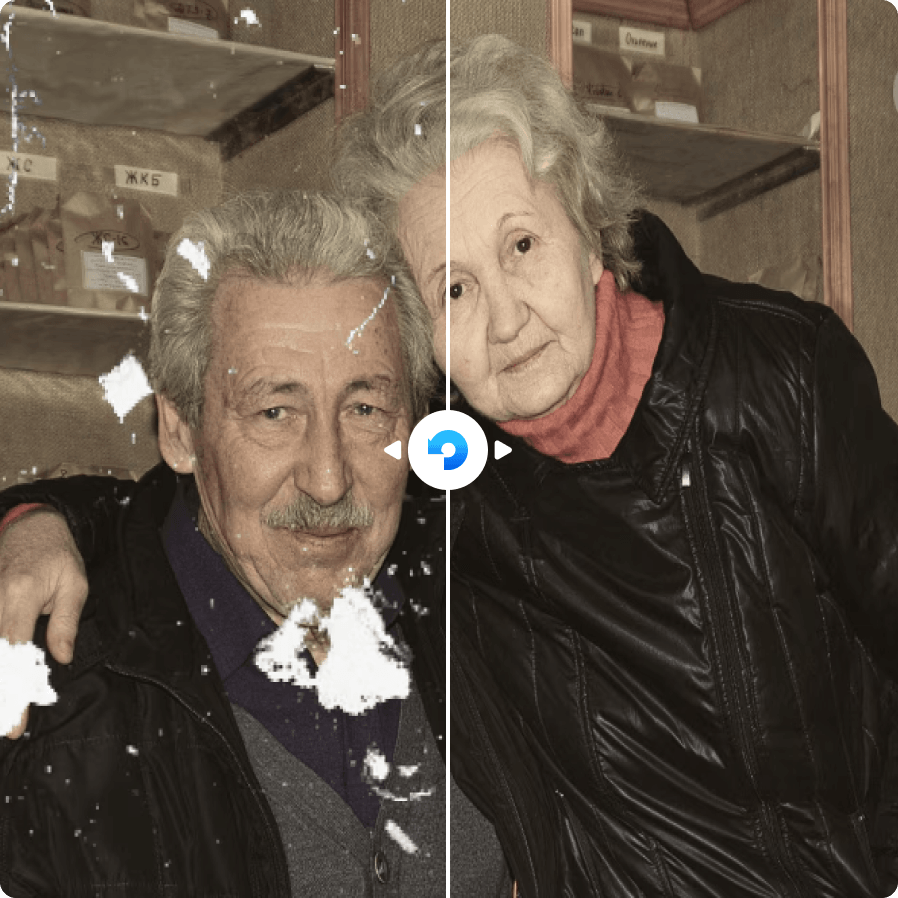
When photos become gray, pixelated, blurry, distorted, partially displayed, or cannot be opened, the original image data may be damaged. Recoverit Photo Repair helps restore corrupted pictures and make important images viewable again.
Recoverit can help repair photos from phones, cameras, drones, SD cards, USB drives, and external disks. It is suitable for JPG, JPEG, PNG, RAW, and other common image formats affected by transfer errors, storage damage, incomplete downloads, or failed recovery attempts. For light corruption, quick repair can restore photos in a simple workflow. For more serious damage, advanced repair can use a sample photo from the same device or shooting source to improve the repair result.
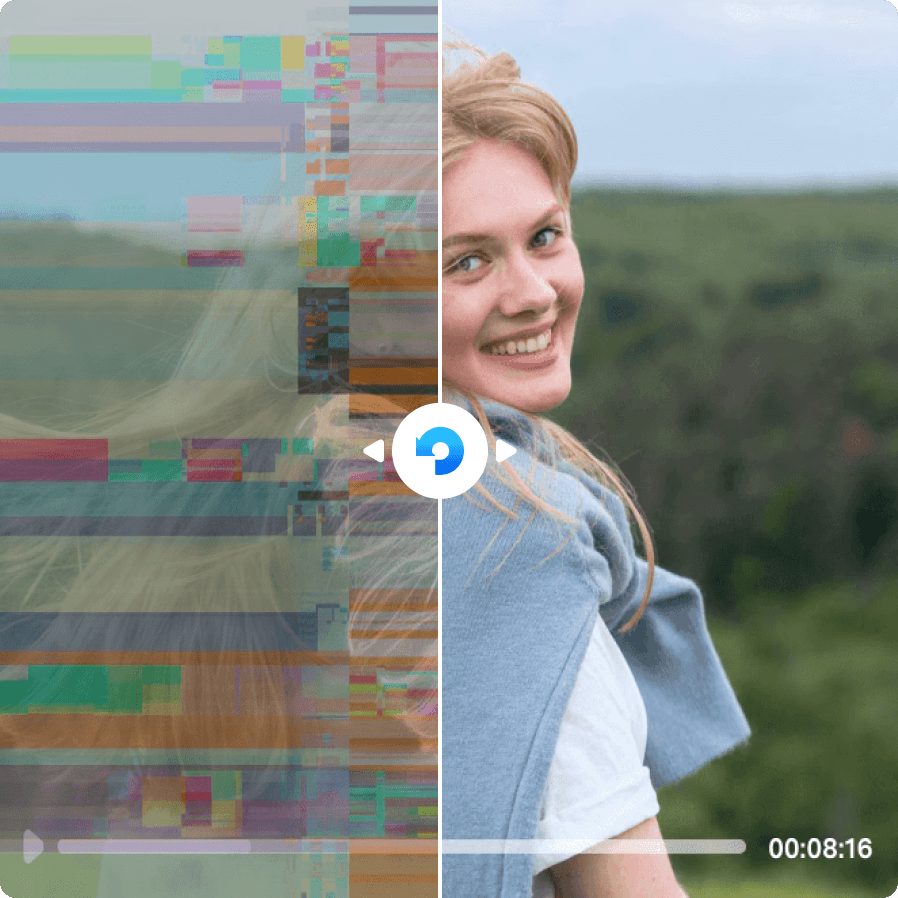

If your files are corrupted but your drive is recognized by your computer, file repair software is usually the right first step. But when repair attempts fail, the problem may not be the file itself - it may be the storage device it lives on.
Data recovery software takes a different approach. Rather than repairing file structure, it scans the file system at a binary level and extracts the complete raw data from the drive. The extracted file may work immediately after recovery, or it may still require file repair software as a second step.
Either way, recovery software addresses the root cause that file repair cannot: underlying storage-level damage. Before running any data recovery software, follow these steps:
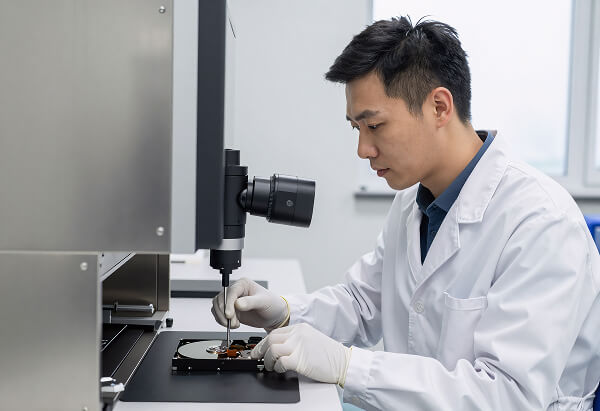
If your drive isn't showing up on your computer, or your files appear corrupted or at zero bytes, file repair software may not be enough. These symptoms often point to physical or deep logical failure that requires hands-on data recovery services from a professional lab. We've partnered with Secure Data Recovery, a trusted leader in the industry, to help users whose files are beyond repair. They specialize in recovery from hard drives, RAID arrays, SSDs, iPhones, NAS devices, memory cards, and external drives - with certified cleanroom labs and offices across the United States, Canada, and the United Kingdom. What sets them apart:
If your drive isn't being detected or your files are inaccessible despite repair attempts, contact Secure Data Recovery directly for a free consultation and quote.